Does Image Compression Affect SEO?
Discover the direct correlation between optimized image sizes, mobile load times, and Google Search rankings.
A common question among website owners and digital marketers is whether compressing images has a direct impact on search engine optimization (SEO). The short answer is: yes, absolutely. Image compression is one of the most effective on-page SEO optimizations you can perform, influencing everything from Google search rankings to sitemap indexing and search engine crawl efficiency.
Page Speed as a Core Google Ranking Signal
Since 2010 for desktop search, and 2018 for mobile search, page load speed has been an official ranking factor in Google’s search algorithms. In 2021, Google consolidated speed and page performance metrics under the Core Web Vitals umbrella, elevating Largest Contentful Paint (LCP) as a primary signal.
Because images represent the largest transfer weight on average for websites, unoptimized, heavy images directly degrade LCP scores. Slow load speeds trigger ranking demotions in competitive search queries. Conversely, compressing images under 100 KB improves loading speed, satisfying Core Web Vitals targets and boosting your search visibility.
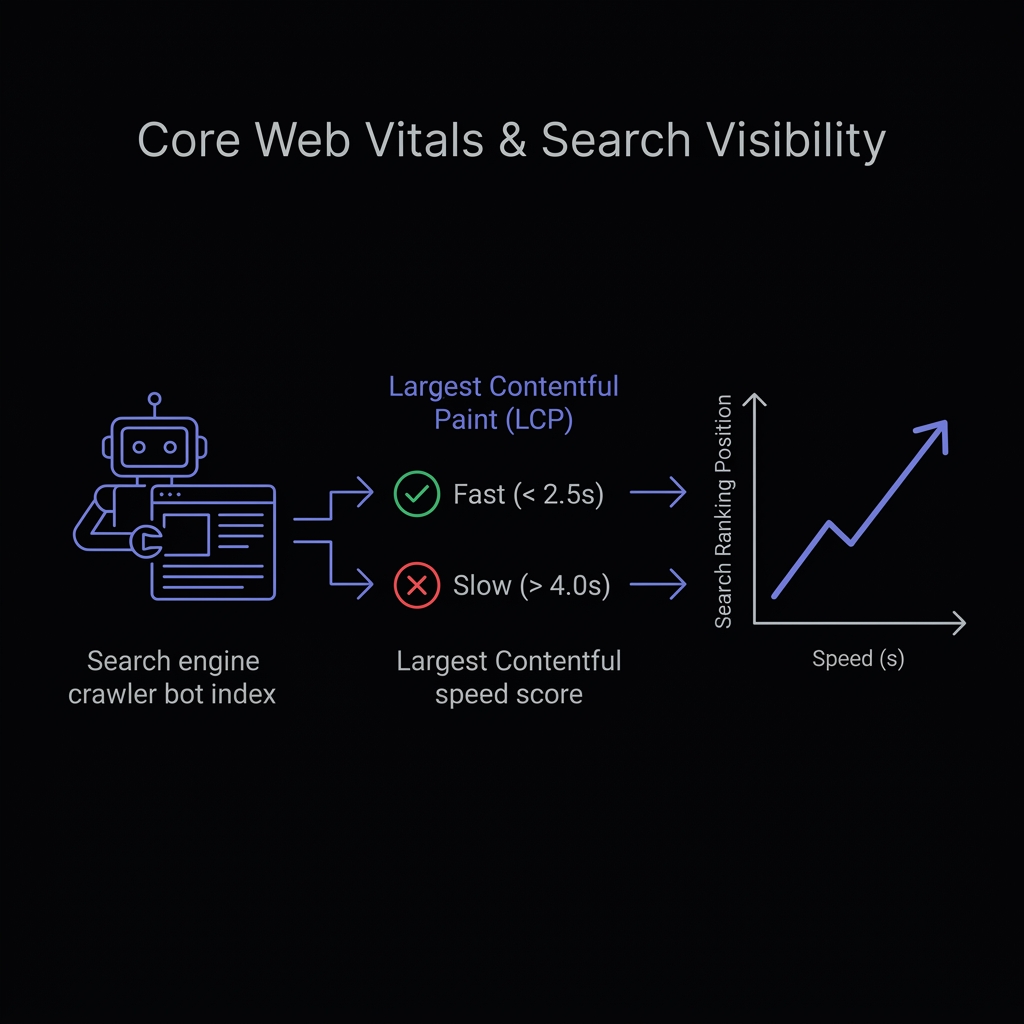 Figure 2: Satisfying Google LCP thresholds is crucial for search rankings under Mobile-First Indexing.
Mobile-First Indexing: Bandwidth Constraints for Mobile Searchers
Google crawl bots now evaluate websites using Mobile-First Indexing, meaning Google crawls and indexes pages using a simulated mobile user-agent.
While a heavy page might load quickly on a desktop connected to high-speed fiber internet, mobile users are frequently constrained by 4G or 5G connection lags, device CPU throttling, and data caps. If your page contains uncompressed, heavy images, mobile load speeds suffer significantly. Google’s mobile crawler detects this latency and lowers the page’s ranking, prioritizing competitors who serve fast, lightweight mobile layouts.
Lossless Metadata Stripper
Strip camera profiles and GPS tags losslessly to boost speed scores without altering image pixels.
Crawl Budget Optimization: Helping Googlebot Index Faster
A “crawl budget” is the maximum number of pages a search engine bot (like Googlebot) crawls on your website within a given timeframe.
When Googlebot crawls a site, it downloads assets to evaluate layout structure and quality. If your server is bogged down trying to transfer heavy, uncompressed image files, the crawler consumes its allocated connection budget quickly, leaving other pages on your site uncrawled and unindexed. Compressing images reduces server response times and bandwidth requirements, allowing search engine bots to crawl, index, and list more of your content pages in less time.
Alt Text, Filenames, and Sitemap.xml for Image Search SEO
While compression reduces file weight, image SEO also requires setting appropriate descriptive signals so your images can rank in Google Image Search:
- Alt Text: Always include descriptive alt text containing secondary keywords. This helps screen readers describe the image to visually impaired users and helps Googlebot understand the image context.
- Descriptive Filenames: Never upload files with default camera names like
IMG_0482.jpg. Rename assets to include keyword hyphens, such asbest-privacy-image-compressor.webp. - Sitemaps: List your images inside your sitemap or reference them in your primary sitemap configuration (like CompressNeo’s dynamic sitemap.xml.ts) to help search engines discover assets faster.
The Balance: Avoiding Muddy Visuals While Minimizing File Sizes
The ultimate goal of image SEO compression is finding the “sweet spot” where file size is minimized with no visible loss in visual quality:
- For Photographs (JPEG/WebP/AVIF): A quality slider setting of 75% to 85% typically yields up to 70% reduction in file size while keeping visual elements pixel-perfect.
- For Diagrams & Screenshots (PNG): Use next-gen WebP formats to keep lines and text outlines razor-sharp while reducing file sizes by up to 80%.
- Verify Visually: Use comparison tools (like CompressNeo’s before/after visual comparison slider) to inspect your files, ensuring they remain clear and professional for users before publishing. Avoid compressing files so aggressively that they develop ugly compression artifacts, as poor user experience (high bounce rates) will indirectly hurt your SEO.