
0 server uploads
Your files never leave the browser
Compress Without Uploading a Single Byte
Unlike TinyPNG or ILoveIMG, CompressNeo runs entirely in your browser. JPEGs, PNGs, WebP, AVIF, and SVG never touch a cloud server. Learn more →
A high-performance batch compressor in your browser. WebP, AVIF, JPEG, PNG, and SVG - zero uploads, no signup.
Recommended settings for your file.
Supports PNG, JPG, WebP, AVIF, SVG, and GIF (static). Fully secure, runs 100% locally.
Set compression profile for all queued files.
Original: -- | Compressed: --
CompressNeo runs entirely in your browser using Web Workers and Canvas APIs. Files stay on your hardware - cloud servers never receive your data.
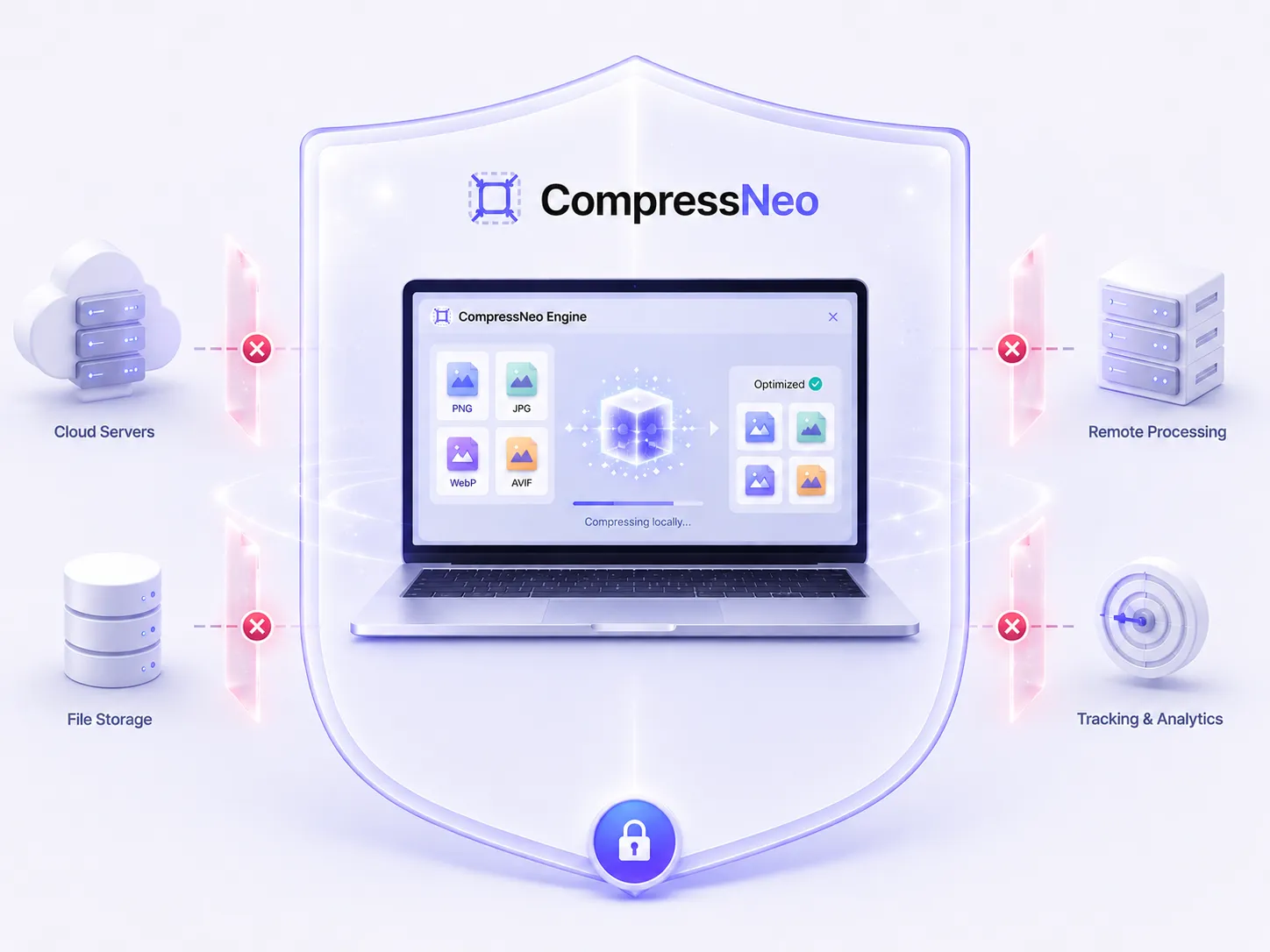
Unlimited batch compression with exact target sizes - WebP, AVIF, JPEG, and PNG optimized entirely in your browser. No uploads, no signup.
Unlimited batch compression, exact target sizes, and next-gen WebP & AVIF - no signup, no watermarks.
Your files never leave the browser
Unlike TinyPNG or ILoveIMG, CompressNeo runs entirely in your browser. JPEGs, PNGs, WebP, AVIF, and SVG never touch a cloud server. Learn more →
Hit exact KB targets per file
Drop 50, 100, or more files. Parallel Web Workers compress your queue while binary search hits precise targets - 100KB, 200KB, or any limit. Try target KB mode →
Modern codecs for faster pages
Convert legacy JPG and PNG to WebP and AVIF natively. Reduce file size, improve LCP, and boost Lighthouse scores for WordPress and Shopify. Compress AVIF →
We built CompressNeo to solve the fundamental limits of current tools.
| Features | CompressNeo Recommended | TinyPNG | Squoosh.app | ILoveIMG |
|---|---|---|---|---|
| Privacy (No Uploads) | Yes (100% Client) | No (Server upload) | Yes (100% Client) | No (Server upload) |
| Batch / Bulk Mode | Yes (Unlimited) | Yes (Max 20 files) | No (1 file only) | Yes (Limits apply) |
| Target KB Option | Yes (Binary Search) | No | No | No |
| Modern Codecs (AVIF) | Yes | No (Pro only) | Yes | No |
| Vector SVG Cleaning | Yes (XML Clean) | No | No | No (Rasterizes) |
| Cost & Limits | 100% Free & Unlimited | Freemium (Capped) | Free | Freemium (Capped) |
Yes, entirely. Unlike traditional online tools that upload files to cloud servers, CompressNeo runs locally in your browser. All computations are done on your local hardware via JavaScript Web Workers and Canvas APIs. No images ever leave your device.
When you specify a target size (e.g. 100 KB), CompressNeo runs a custom binary search algorithm. It dynamically adjusts the quality parameters, compresses the image off-screen, checks the byte size, and repeats the process within milliseconds until it hits the highest possible quality that fits your target size limit.
To avoid loading heavy WebAssembly wrappers that slow down initial page loads, CompressNeo processes GIFs as static images. When you upload a GIF, it extracts the first frame, compresses it, and converts it to your chosen output format (such as WebP or JPEG).
AVIF encoding is supported in modern browsers like Chrome, Edge, and Opera. If your browser does not support AVIF compression, CompressNeo's engine detects this capability instantly and falls back to WebP or JPEG, displaying a fallback warning indicator on the file card.
CompressNeo impact metrics
15M+
Images Processed
92TB+
Bandwidth Saved
97%
Average Compression
0
Files Uploaded
Illustrative benchmarks based on typical compression results.